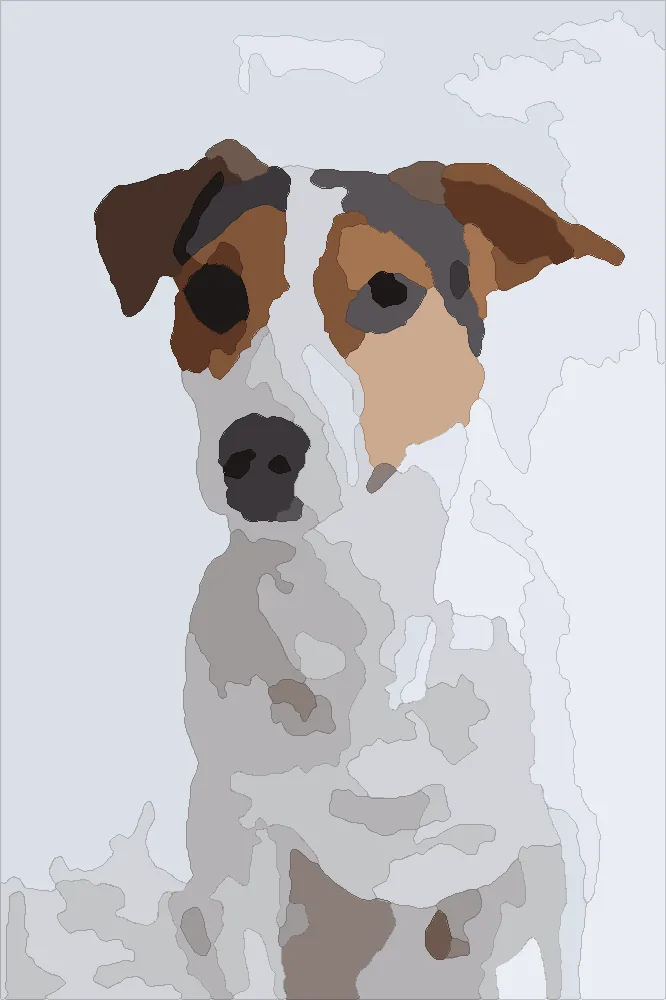
Instant download
Your pattern
The pattern you previewed, ready to print.
$12one time
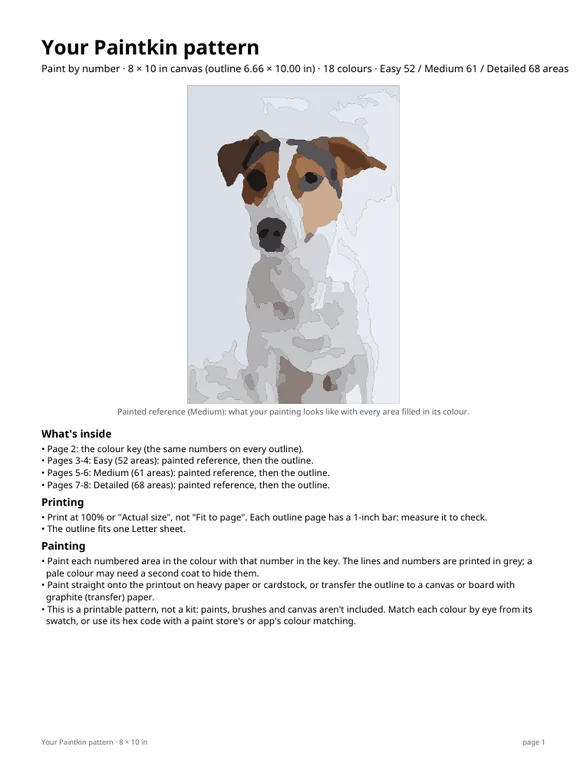
- Printable PDFs: 8 × 10, 11 × 14 and 16 × 20 in
- Easy, Medium and Detailed outlines
- Colour key with hex codes
- Painted reference pages and PNG
- No watermark
Free preview in seconds
See it numbered and painted in seconds, free. Like it? The printable pattern is $12: a PDF in three canvas sizes, not a kit.
or drop a photo here
Drag the box or its corners. It keeps the 8 × 10 canvas shape, so what's inside is what you'll paint.
Keyboard: Tab to the box, arrow keys move it, Shift + arrows resize it.
Tap the outline to zoom in. The watermark is only on the preview.
Printable PDFs, not a kit · 3 canvas sizes · Easy, Medium and Detailed · colour key
Stripe checkout · refund on request within 7 days
Made on our own computers. Photos are deleted within 24 hours and never used to train AI. Please only upload photos you have the right to use.
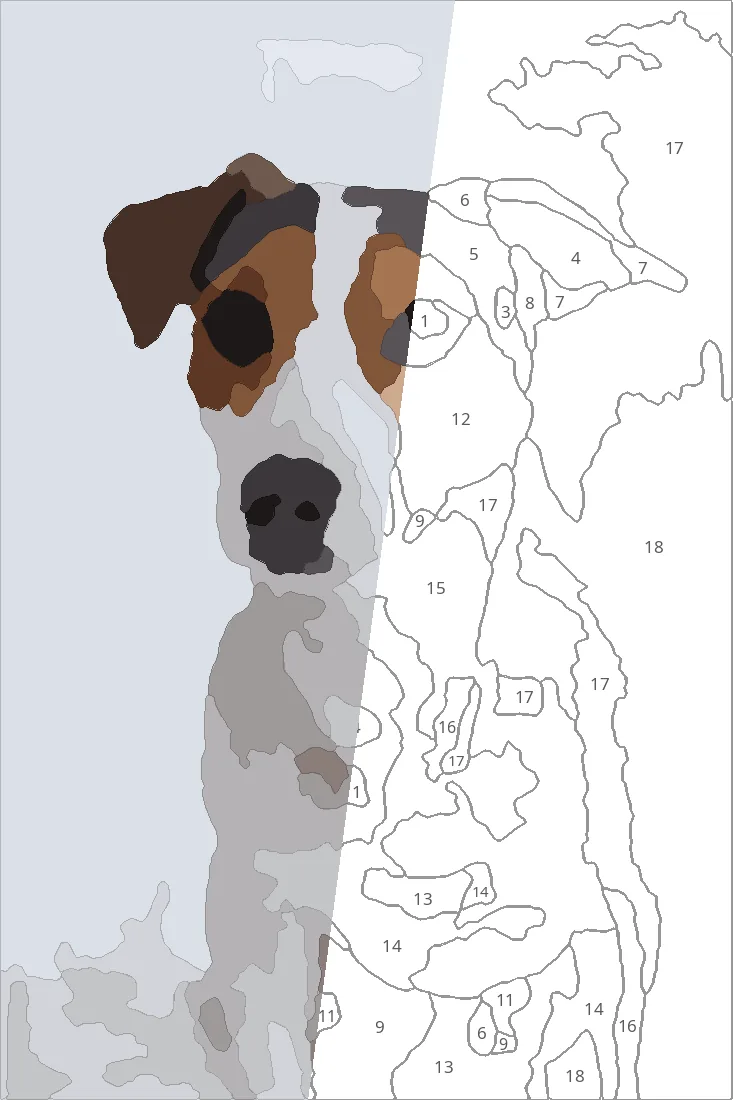 Paintkin's pattern, half painted
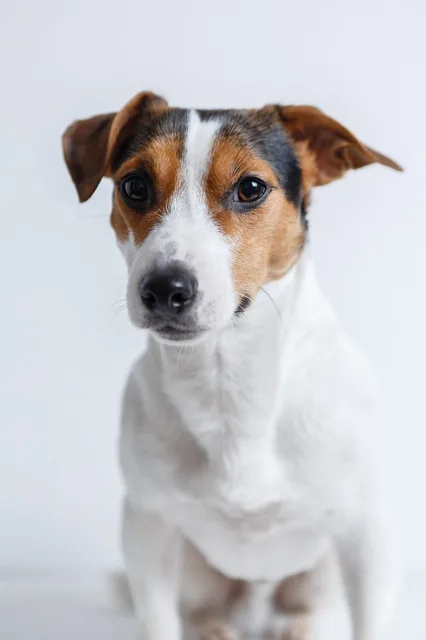 Stock photo
Real examples
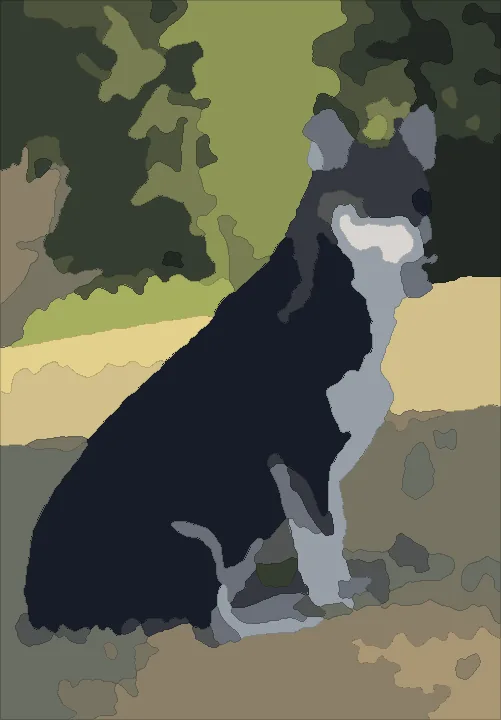
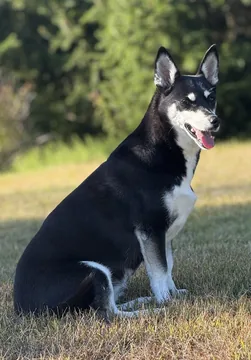 A corgi-husky mixStock photo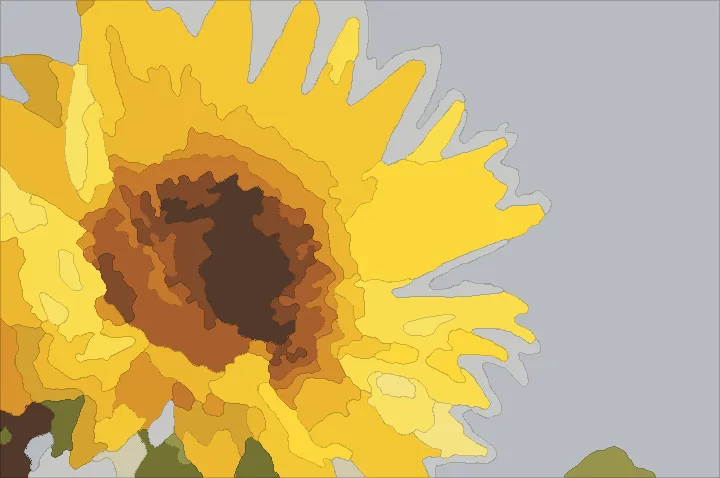
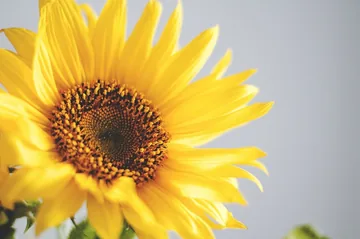 A sunflowerCC0 photo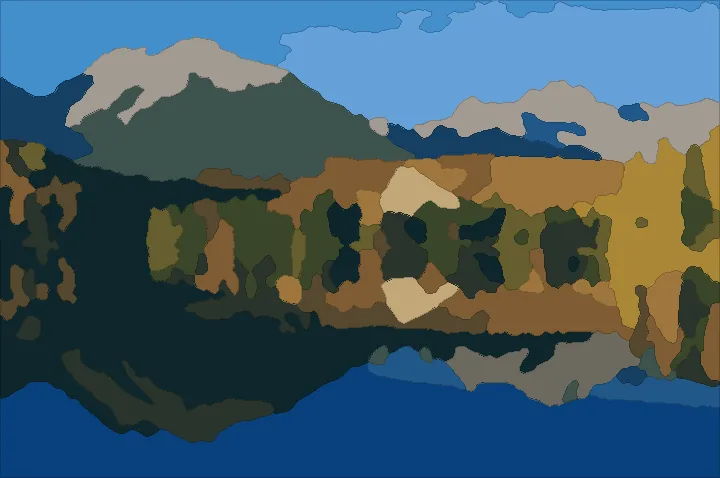
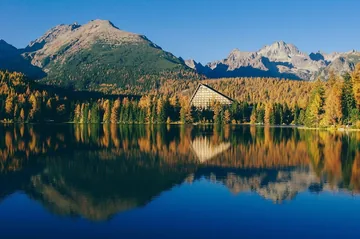 A mountain lakeCC0 photo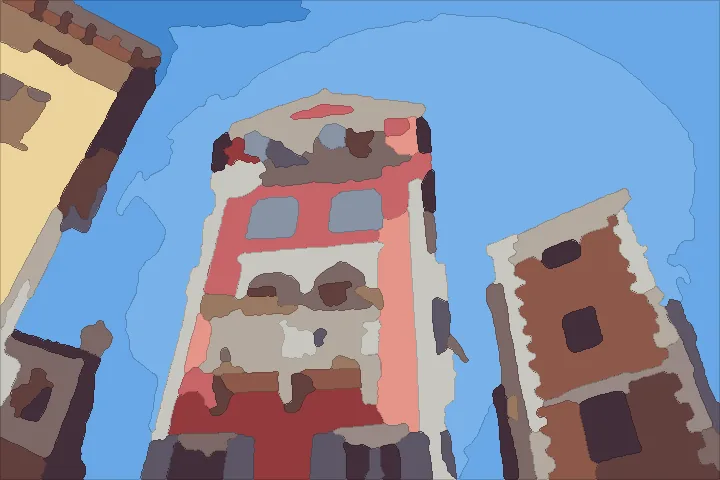
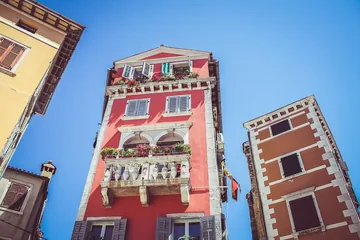 Red townhousesCC0 photo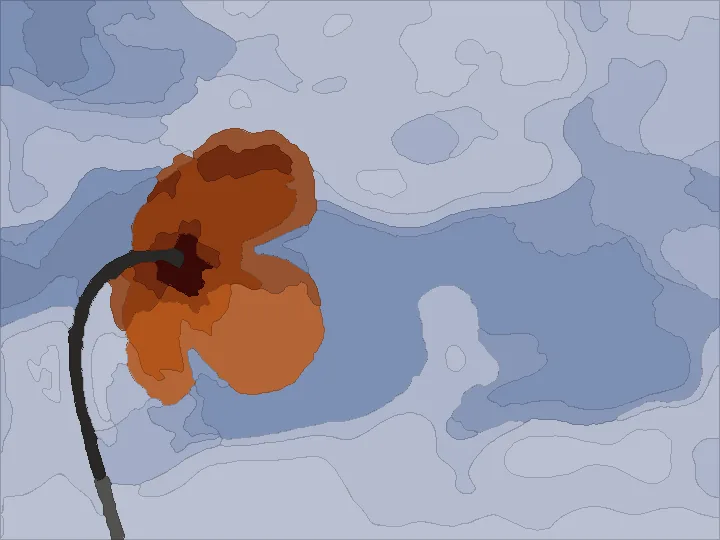
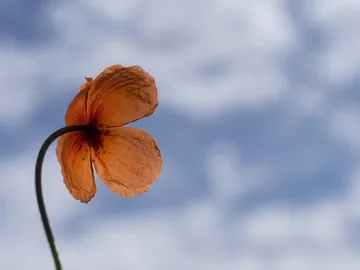 A poppyCC0 photo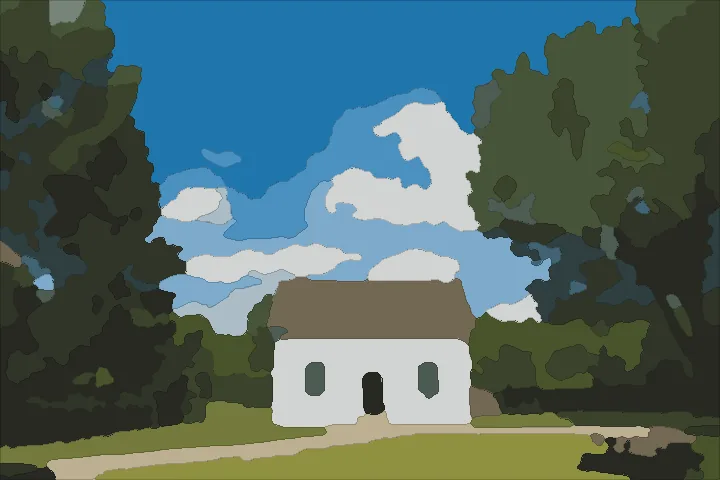
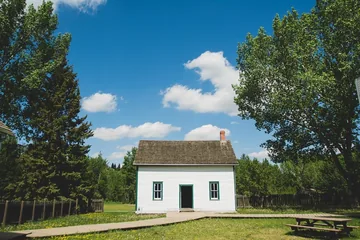 A white cottageCC0 photo
Every example was made by Paintkin from a free stock photo (Pexels) or a public-domain (CC0) photo on Wikimedia Commons, not from a customer's photo, at Medium detail with 18 colours, and is shown painted in its own colours. Pets, flowers, houses and landscapes work best; small faces lose detail, which is why the preview is free.
Why it's easier to paint
An AI model first simplifies your photo into calm, flat shapes. Then every area too small to paint or to hold its number is merged into its closest neighbour, edges are smoothed, and each number is placed where it has the most room.
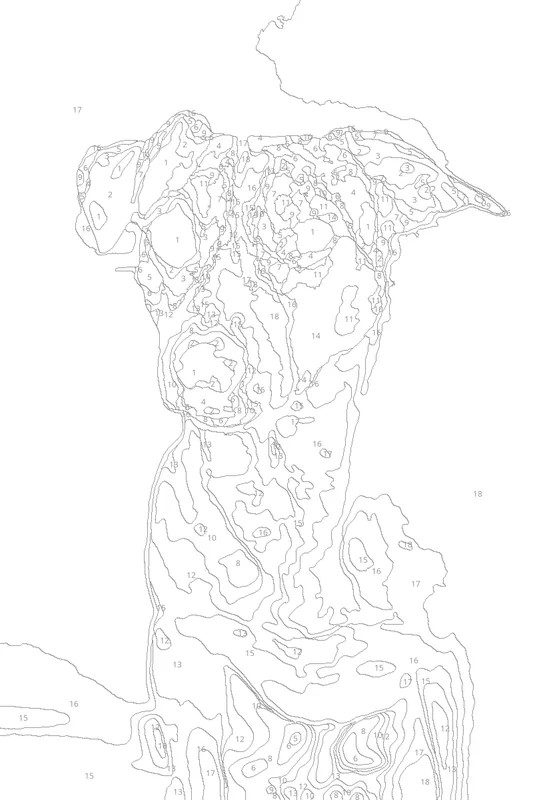
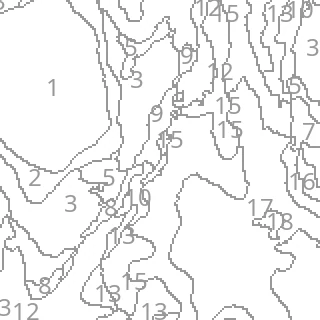 Close-up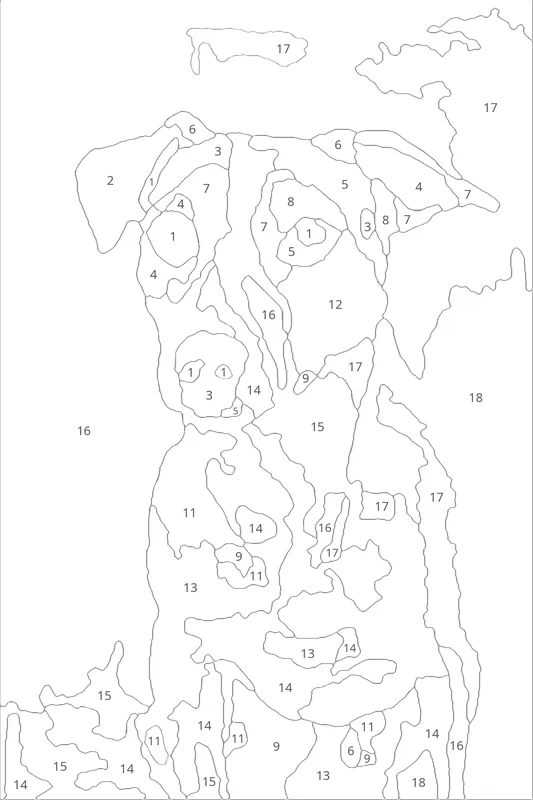
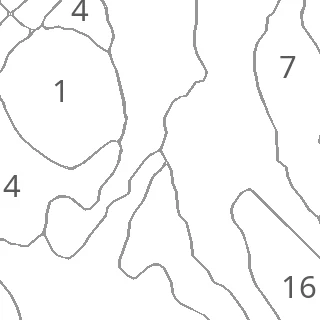 Close-up
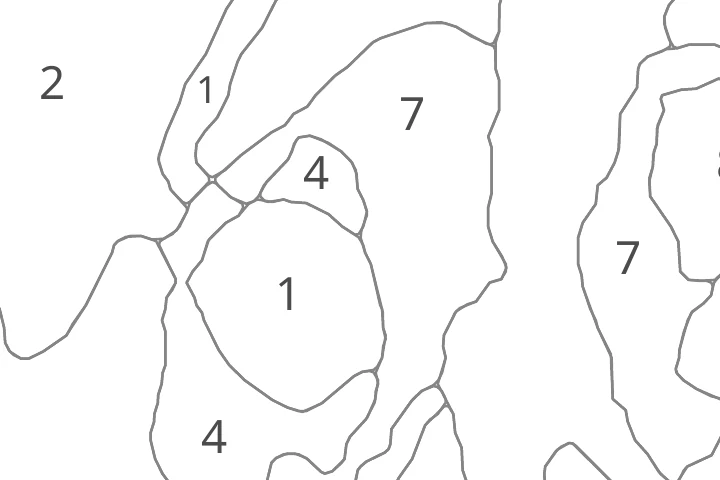
Close-up near the eye, the same 1.6 × 1.6 inch square of each pattern
Both patterns are 8 × 10 inches with 18 colours from the same stock photo. The free pattern was made by PBNify's own published code at its default size, with an 18-colour palette picked from the photo (on the site you click the colours yourself). The 20-photo figures are from our own measurement of each pattern on 20 stock and public-domain photos (pets, people, flowers, houses, landscapes). "Too small" means a 6 pt number can't fit inside the area. Across the 20 photos, one of our 1,741 areas had its number just outside it, with a short pointer line.
Some AI art tools invent details, so here is exactly what ours does. It all runs on our own computers, and you see the whole pattern before you pay.
What you get
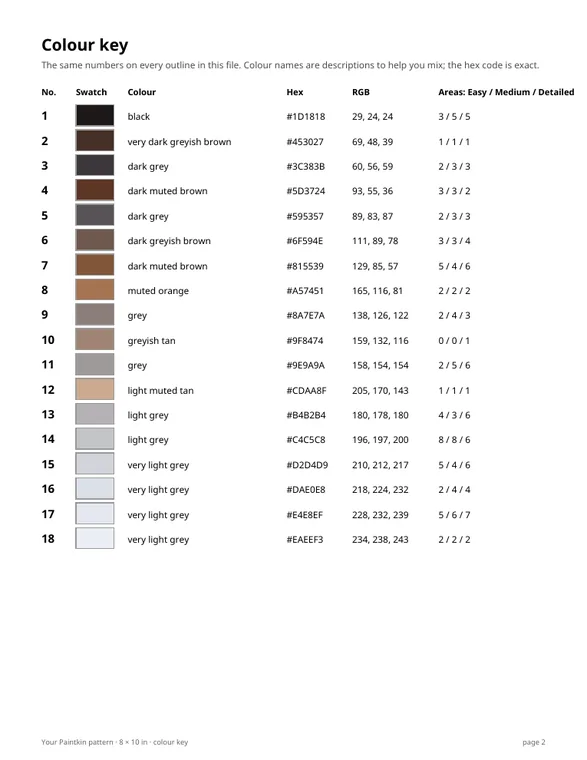
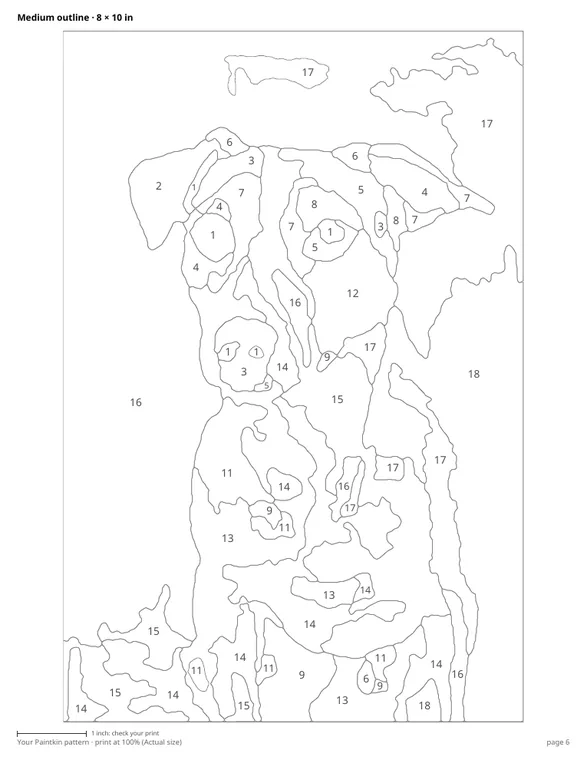
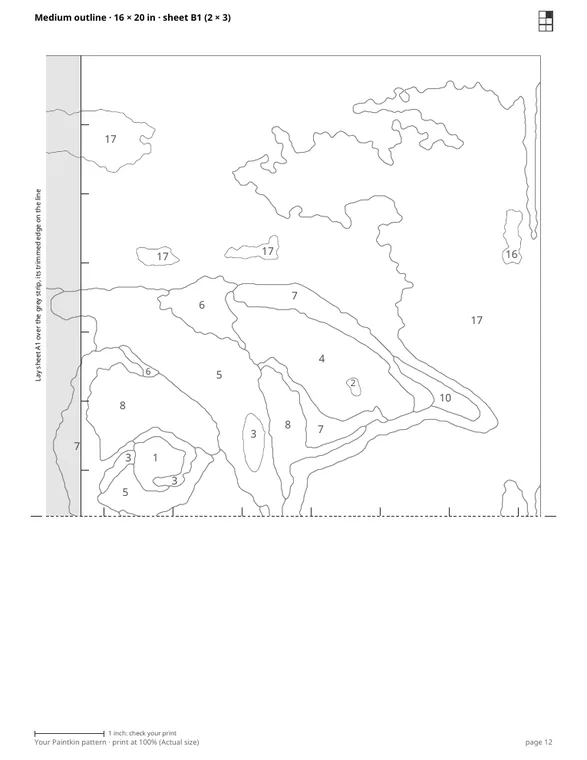
8 × 10 on one Letter sheet, and 11 × 14 and 16 × 20 split over sheets that overlap, with marks to line them up.
All three detail levels, so you can pick how many areas you want to paint. The colour numbers stay the same.
Every colour's number, swatch, plain name, hex and RGB code, and a painted picture of each level to paint from.
Every area holds its number at 6 pt or larger, with a 1-inch bar on each page to check your print size.
Choose a photo, then drag the 8 × 10 box over what you want to paint, upright or sideways.
Your numbered outline and the painted result appear in seconds. Try 12, 18 or 24 colours and three levels of detail, free.
Pay once and download your PDFs right away. Print the outline and paint it, or trace it onto a canvas.
One simple price
Every preview is free. You pay once, at checkout, for the printable pattern. It's a PDF, not a kit.
The pattern you previewed, ready to print.
One-time price in USD, charged securely by Stripe. A printable PDF pattern, not a kit: no paints, brushes or canvas are sent. Not happy with your pattern? Email help@foundingaccess.app within 7 days for a full refund.
Yes. You see the numbered outline and the painted result before paying anything. Change the colours and the detail as often as you like.
No. It's a printable PDF pattern, not a kit, so no paints, brushes or canvas are sent. Paint straight onto the printout on heavy paper or cardstock, or trace the outline onto a canvas or board with graphite (transfer) paper. Acrylics, gouache, coloured pencils and markers all work.
Partly. An AI model on our own computers simplifies your photo into flat shapes, and your photo's own colours are put back into them. Choosing the colours, merging areas, drawing the lines and placing the numbers is ordinary image code.
A pet, a flower, a house or a landscape, in good light. Faces work when they fill much of the picture; small faces in a group photo lose their eyes and mouths at these sizes. The free preview shows you before you pay.
The 8 × 10 outline prints on one Letter sheet. The 11 × 14 and 16 × 20 outlines are split over 4 to 9 sheets that overlap: trim each along its dashed edge, lay it over the grey strip of the next sheet so the lines and tick marks meet, and tape it. Print at 100% (Actual size); each page has a 1-inch bar to check.
The colour key shows each number's swatch, a plain name (like "light muted blue") and its hex and RGB codes, so you can mix by eye or have a paint store or colour-matching app match it. The PDF doesn't give mixing recipes.
It's used only to make your pattern, on our own computers. Photos are deleted within 24 hours and your pattern files within 7 days, so download what you buy. They're never shared or used to train AI models.
Email help@foundingaccess.app within 7 days of buying and we'll refund you in full, no questions asked.